
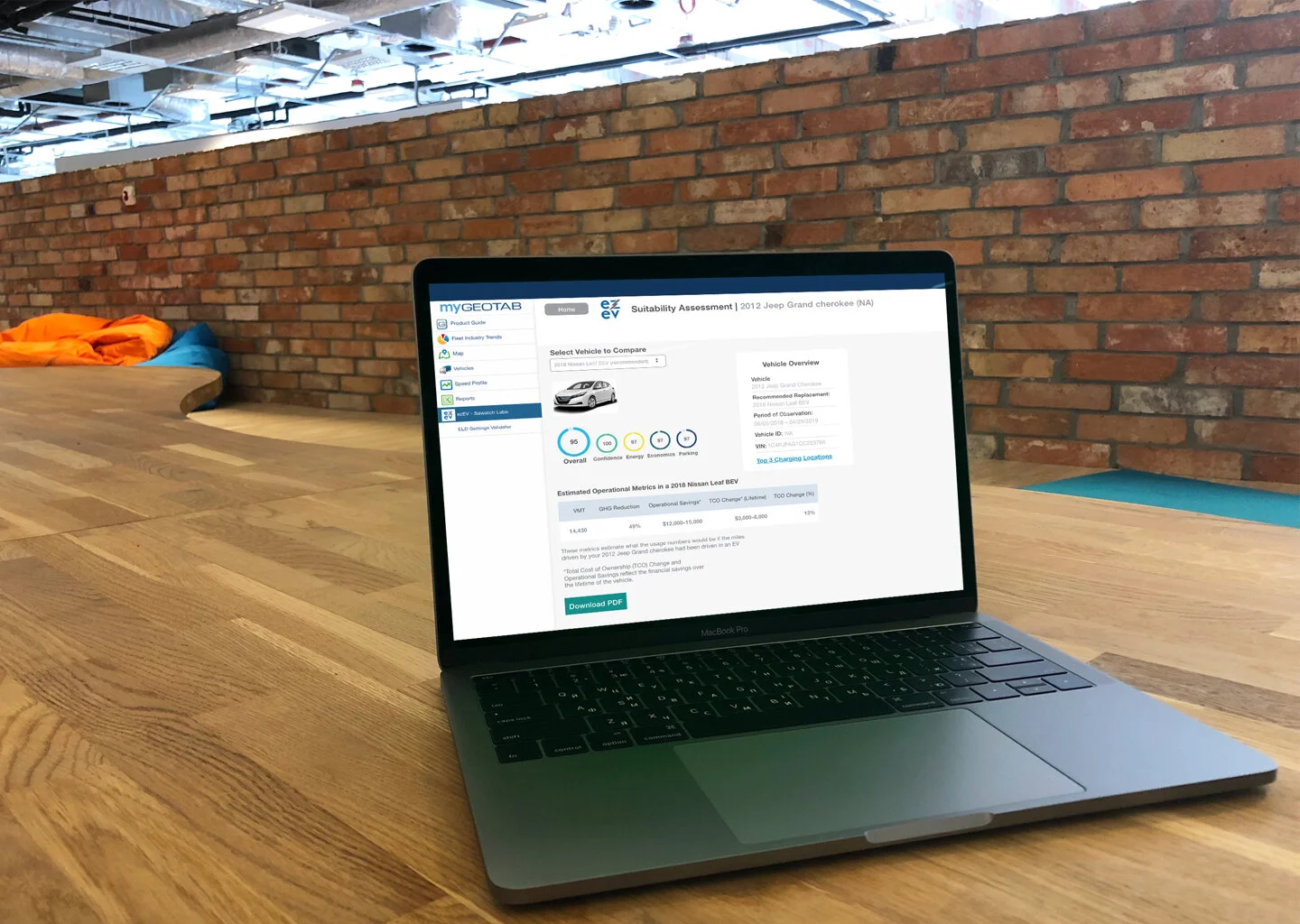
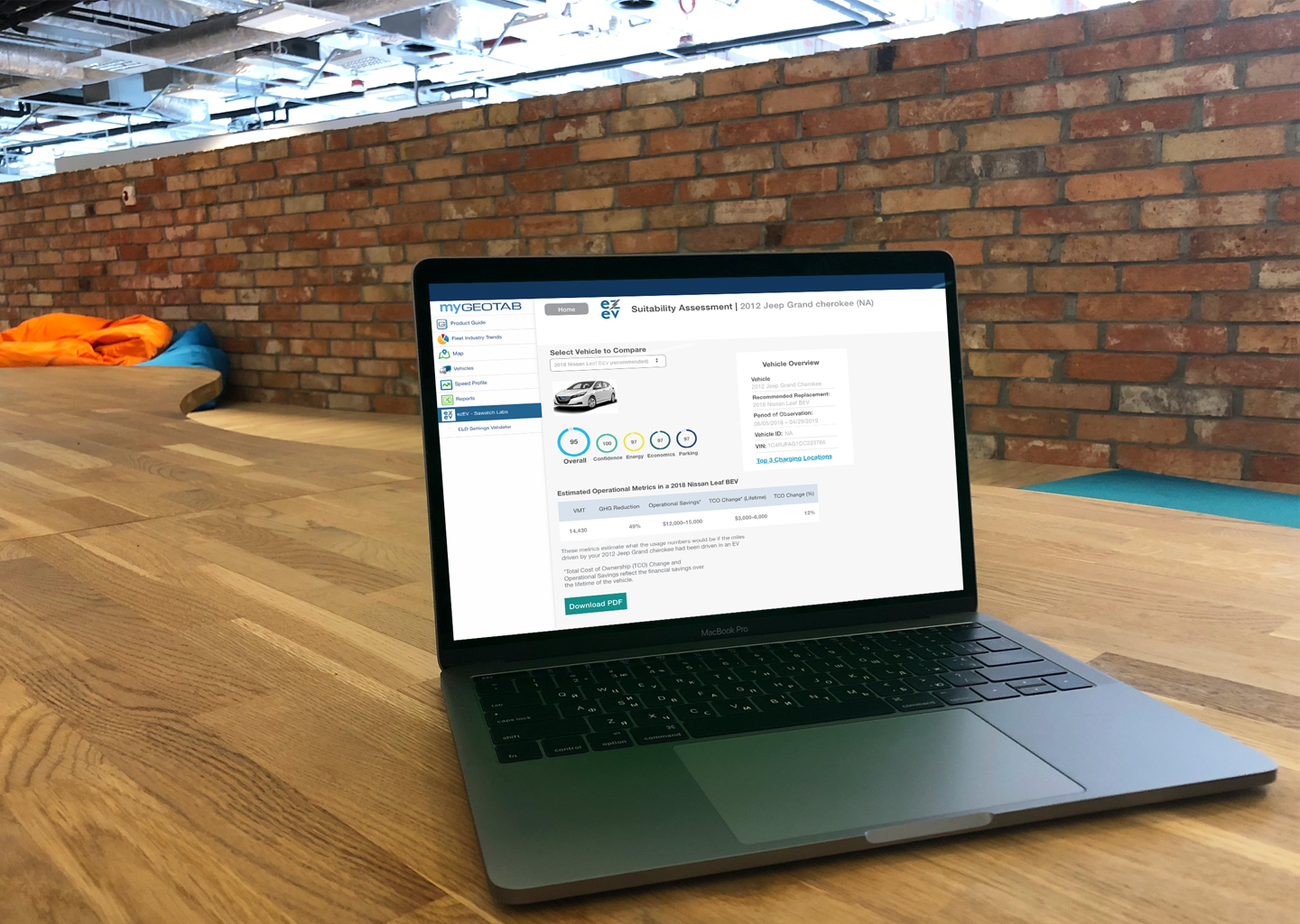
Overview
Sawatch Labs is a Denver-based startup that uses telematics data in order to help fleet managers identify when it makes sense to replace an internal combustion engine vehicle with an EV or PHEV. Sawatch Labs also leverages data from driving patterns to identify optimal locations to install EV charging infrastructure.
Brief: UX/UI Design for Sawatch Labs fleet management tool (ezEV)
My role: contract UX/UI designer | facilitated usability testing | full UI and interaction redesign
Tools: Sketch | Invision | Zeplin
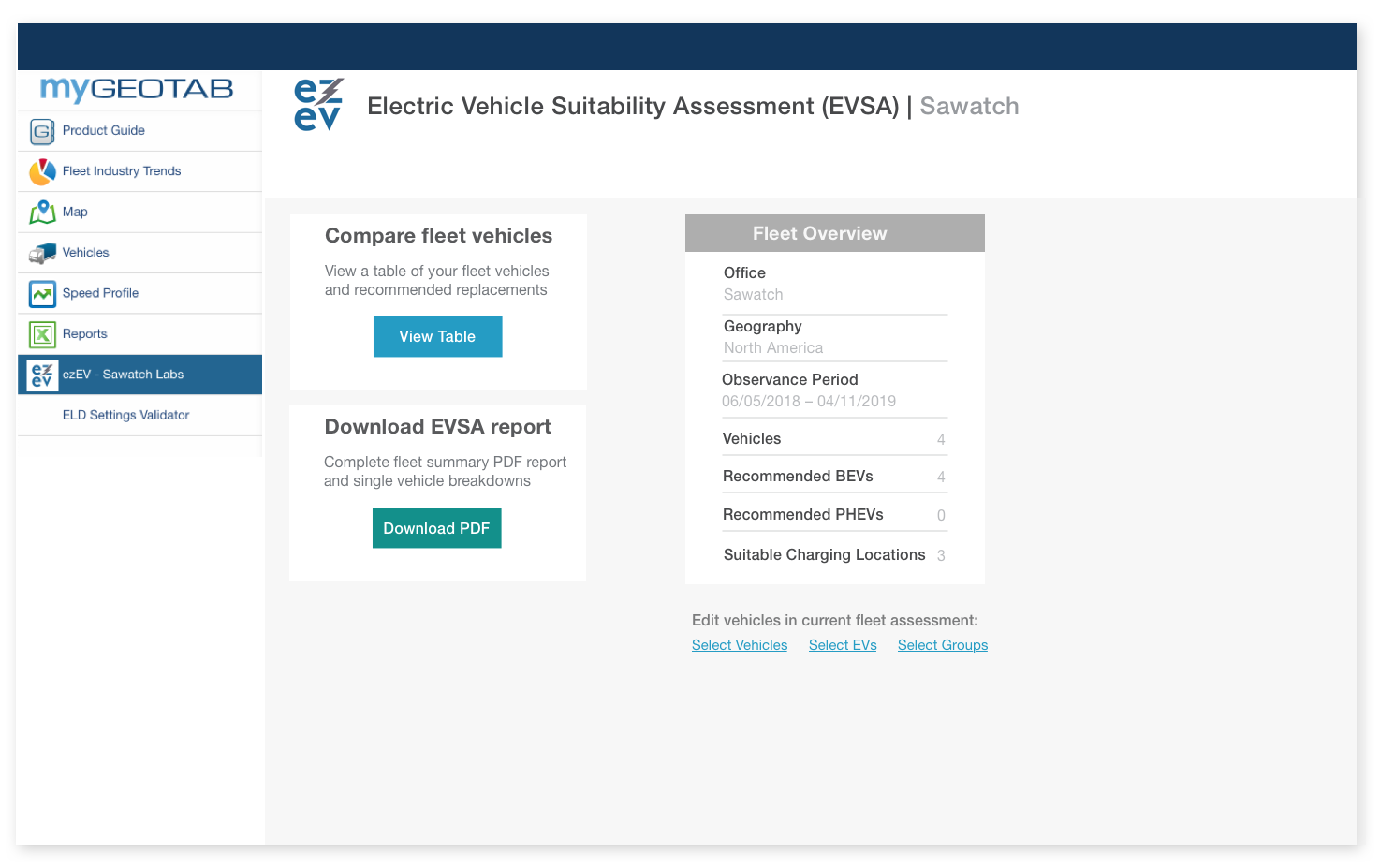
ezEV Landing Page (after user testing and UI redesign)
Research Insights
Before jumping into a UI redesign, I performed qualitative research on fleet managers (primary users of ezEV) and Geotab (the telematics data provider & platform for the ezEV web app).
Some of the initial insights from qualitative research and data gathering included:
Fleet operations are complex and chaotic—fleet managers need to be able to monitor and measure specific data that directly impacts their fleet
The problem with telematics is that “you can be easily overwhelmed with data”
Digital documentation is incredibly important for fleet managers
UI Redesign
ezEV Overview Screen(Pre-Redesign)
Redesigned ezEV Overview Screen
Electric Vehicle Candidate Page (Pre-Redesign)
Redesigned Electric Vehicle Candidate Page
Fleet Vehicle Select Page (Pre-Redesign)
Redesigned Fleet Vehicle Select Page
Redesign Process
After some initial research, I did a redesign of the ezEV UI focusing on ‘quick wins’ and ‘low hanging fruit’ in a two-week sprint. Some UI iterations are shown in the screens above.
Iterations included:
Improving visual hierarchy, text styling, and alignment to allow for easier scanning of complex data
Rethinking some of the interaction design and leveraging more conventional design patterns for increased usability
Simplifying the color palette, creating more distinct primary action buttons, and reducing the overall visual noise of the previous design
Usability Testing
While the quick visual redesign made some major improvements to the front-end experience of ezEV, it was clear that it still suffered from usability issues. I organized usability testing with fleet managers to assess the web app and determine how to best improve upon the experience.
Usability testing details:
Remote usability tests were conducted with five fleet managers
I was able to involved the CTO, stakeholders, and developers in several of the sessions as well as the research synthesis process
Users were given a variety of tasks to complete utilizing the ezEV web app
Sessions took around 45 minutes
Testing Takeaways
Throughout testing, the most serious bottleneck that users encountered was in operating the vehicle metric comparison table, which is a central element of the ezEV experience. The table was not included in the initial redesign due to scope, and it suffered from several major usability issues.
EZEV vehicle comparison table (pre-redesign)
Usability issues with the current design:
Interacting with the table required users to change pages in order to filter, which proved to be cumbersome and confusing
Users had difficulty navigating to the next screen because of a severe lack of appropriate signaling (links did not appear ‘clickable’)
Users had difficulty scanning and comparing data because of centered alignment and heavy use of color
Building a Better Table
A screen I used during a stakeholder presentation detailing suggested iterations and areas for potential improvement
Redesigned vehicle comparison table
I created a more obvious path for users to select vehicles and progress through the workflow by styling the vehicle text as a ‘clickable link’
I eliminated the need for users to leave the table to apply filters by including a filter dropdown above the table
By simplifying the color palette, properly aligning text, and removing unnecessary borders—I was able to reduce a lot of the visual noise and create a table with a cleaner and more modern look and feel
Takeaways
I ended up working for Sawatch Labs for another three months as a contract UX designer and continued to work on several other electric vehicle analytics products. I also created logos, data visualization assets, and continued to provide UX recommendations.
I learned a great deal working with the Sawatch Labs team including:
Involving developers and stakeholders in the user research is incredibly valuable, and can benefit many aspects of the product design process
Often times with tables, complex data, and data visualization, the best design is one that simply ‘gets out of the way’ and lets the data shine through
Strong communication between design and development is a critical foundation for building strong user experiences