
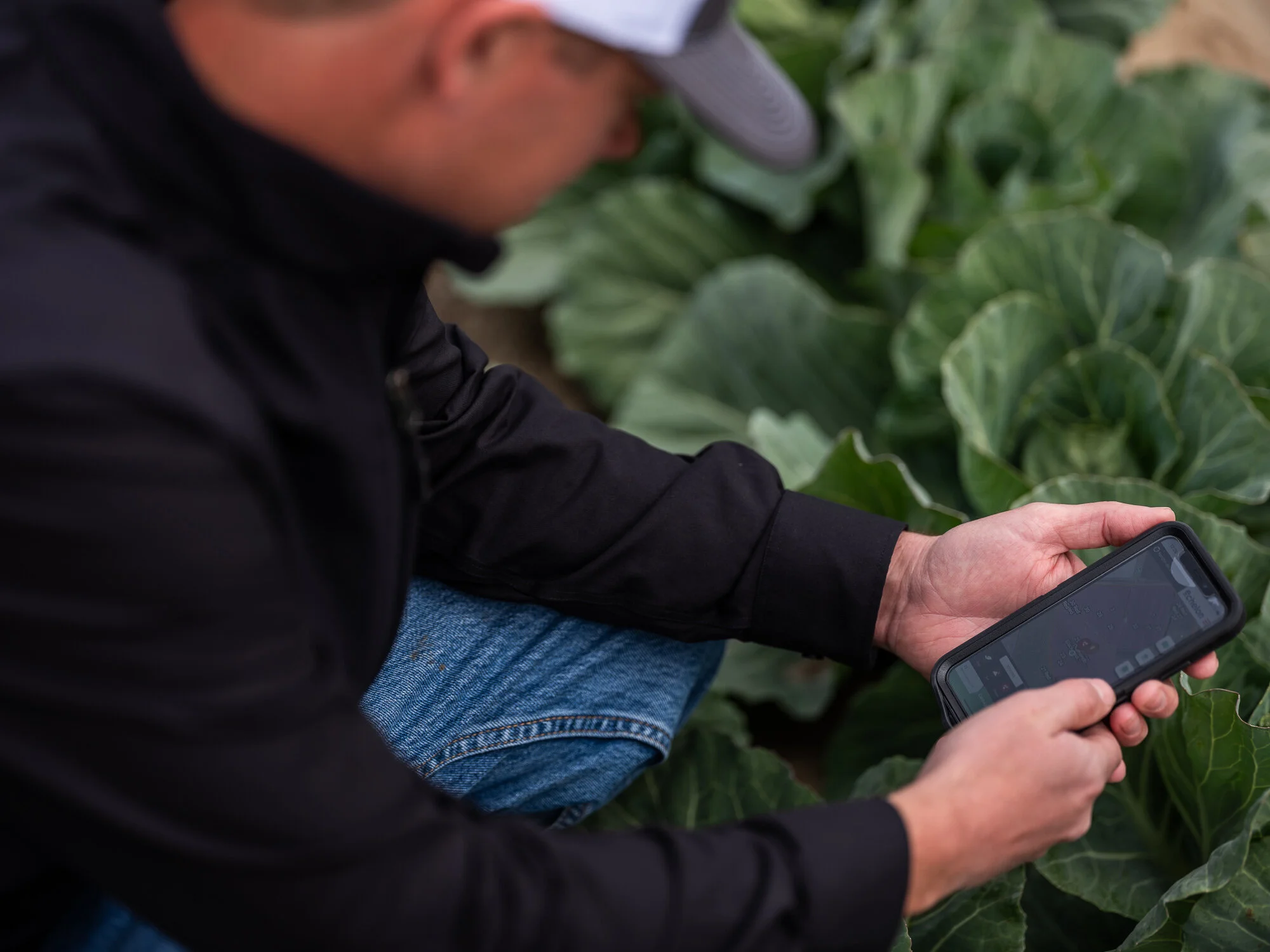
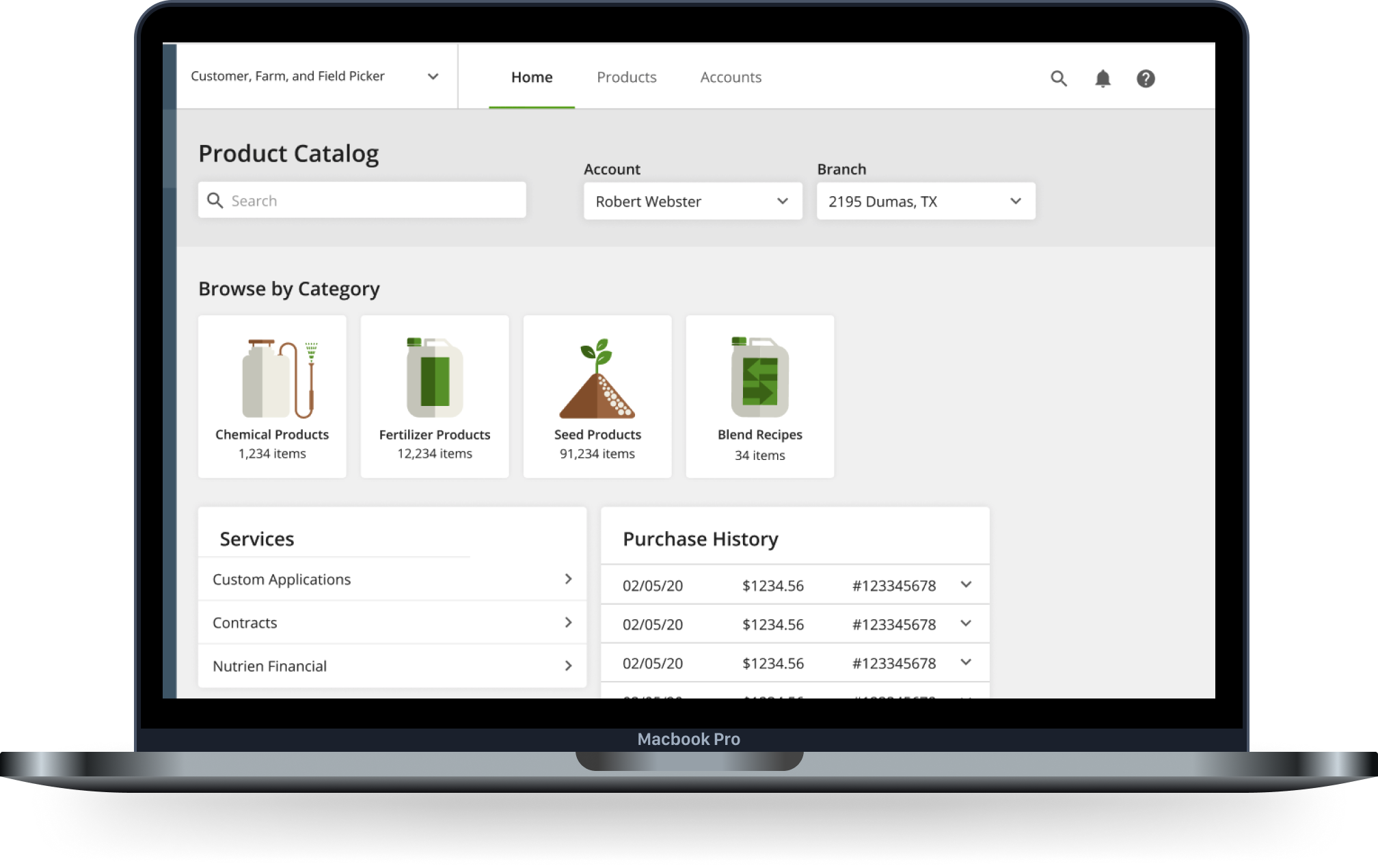
Overview
The digital department at Nutrien Ag Solutions focuses on creating tools for agricultural professionals ranging from eCommerce platforms to field planning and precision agriculture tools. For over a year I worked as an in-house UX designer for Nutrien as the primary designer on our iOS app designing eCommerce flows for a platform that garnered over 1 billion dollars in sales in 2020. In late 2020, the organization made the decision to consolidate their disparate platforms into a more unified React Native codebase and I transitioned roles into working on a brand new design system for this consolidation effort. While I worked on a range of different aspects of the design system, my focus was leading decisions and documentation related to mobile patterns and interactions for iOS, Android, and responsive web views.
My role: In-house UX/UI designer | iOS, Android, and mobile-first design | Design system creation and management
Tools: Figma | Principle | Confluence | Jira | And many more…
iOS Native App Design
Screens from the product catalog and ordering workflow.
My first role at Nutrien was working as the primary designer on the iOS Native app. The app was built primarily as an eCommerce platform for crop consultants to more efficiently create contracts, order products, and leverage farm and field management tools to serve their grower customers. Our users lead incredibly busy workday schedules and are often on the road or otherwise away from their desktop computers, so the Native app was a critical part of their toolkit.
Screens from the contract creation workflow.
As the primary designer working on the iOS app, my role was wide-ranging and diverse. I conducted user interviews, facilitated usability tests, created high-fidelity mockups, and built out a Sketch library for the Native Mobile design system. I worked on a range of features from an eCommerce catalog ordering experience to a machine learning-driven recommendation platform.
Opportunity Maximizer screens - a feedback-based machine learning tool.
Design System
After the decision was made to shift from iOS Native to React Native, I moved teams from working on the iOS app to focusing exclusively on the development of a new design system to support the React Native transition. Because I had the most context and experience on the current mobile app experience, part of my focus within the design system work was leading decisions and documentation relating to rules for mobile design.
In addition to building out a component library in Figma, I worked on comprehensive component documentation and rules for our design system website built in Webflow. Documentation included usage rules and best practices, redline specs, error and selection states, and breakpoint guidelines.
A snapshot of the button components page in Figma
Errors and messaging documentation table
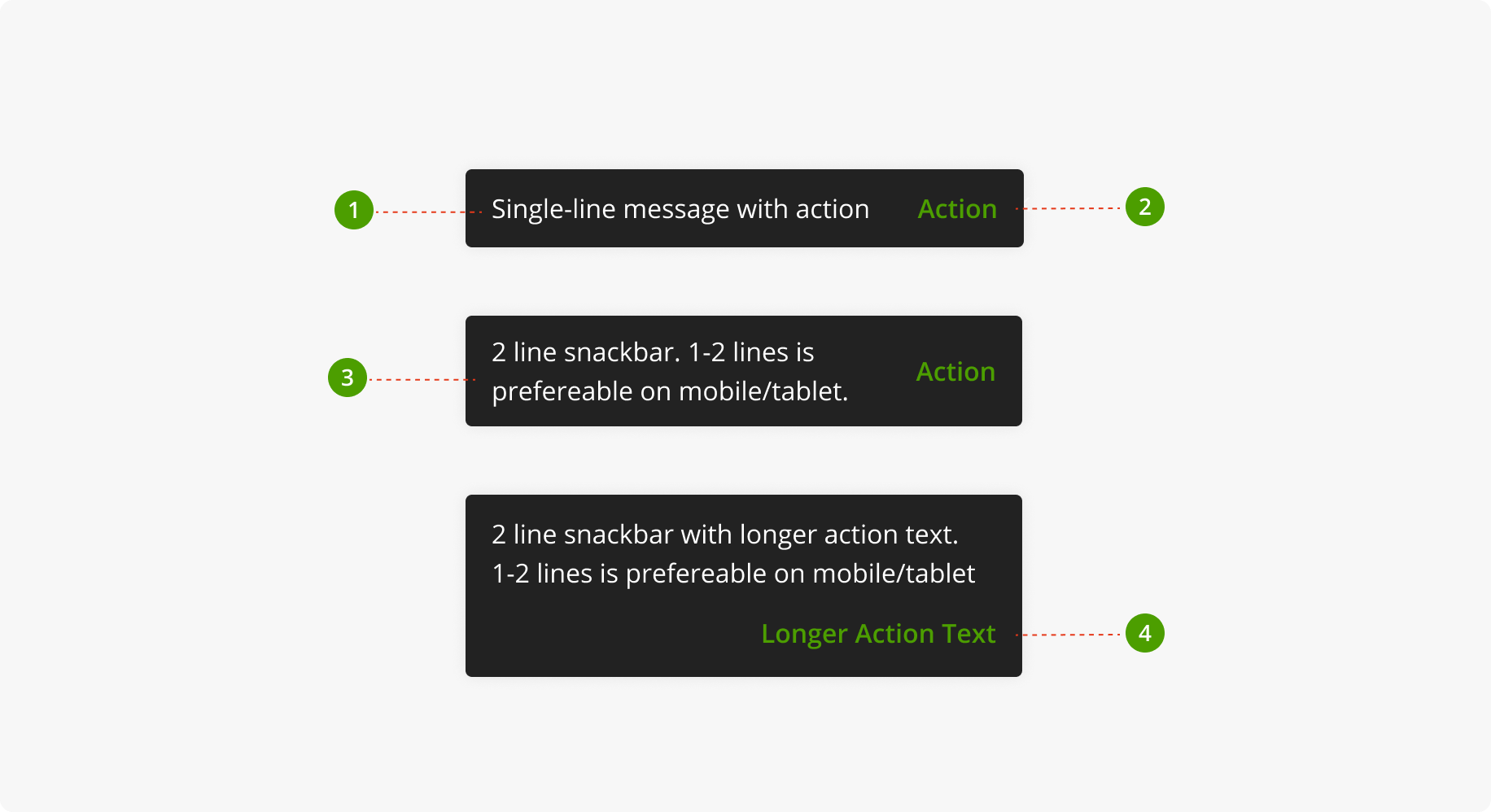
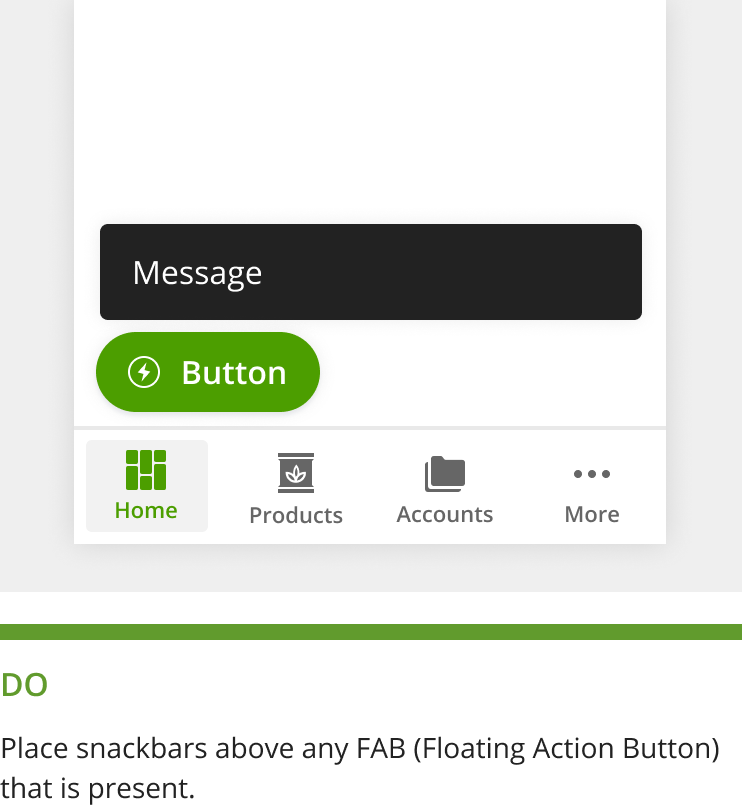
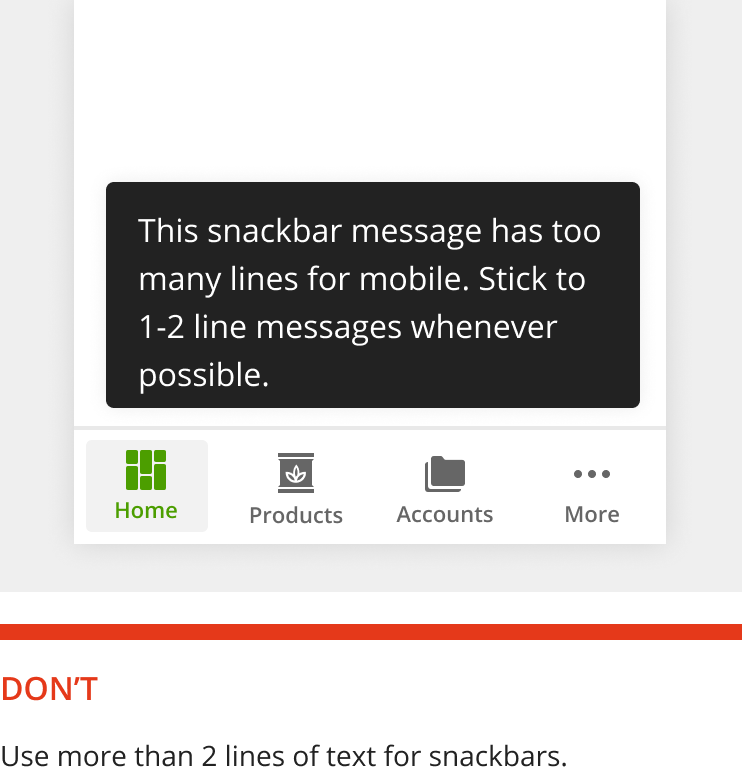
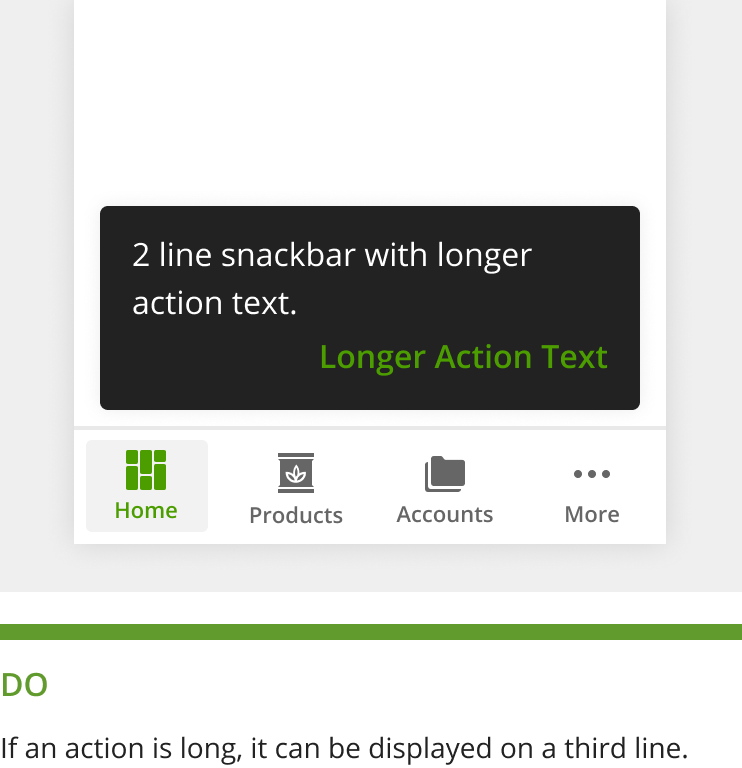
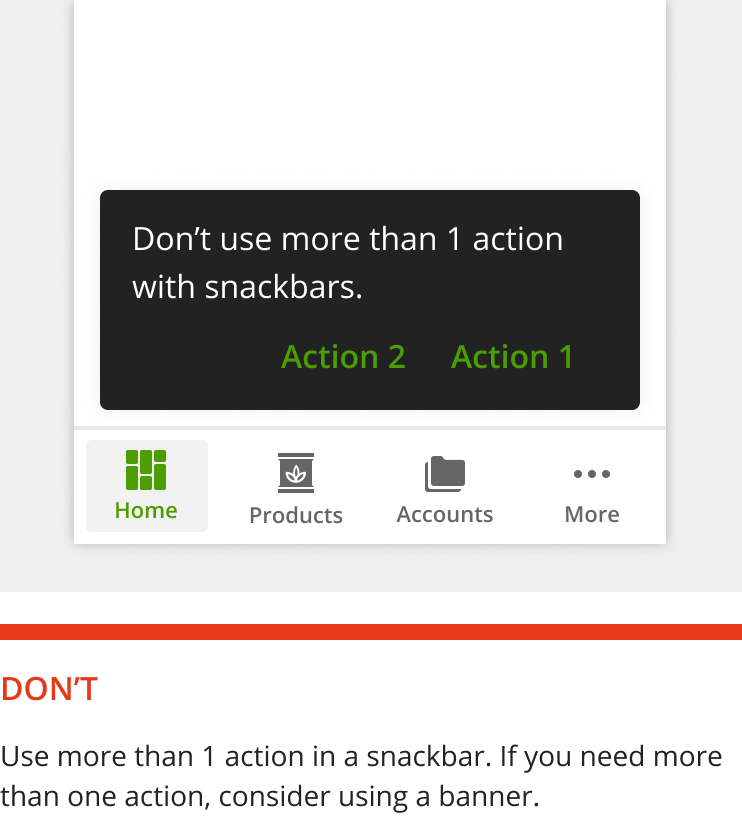
Snackbar anatomy diagram
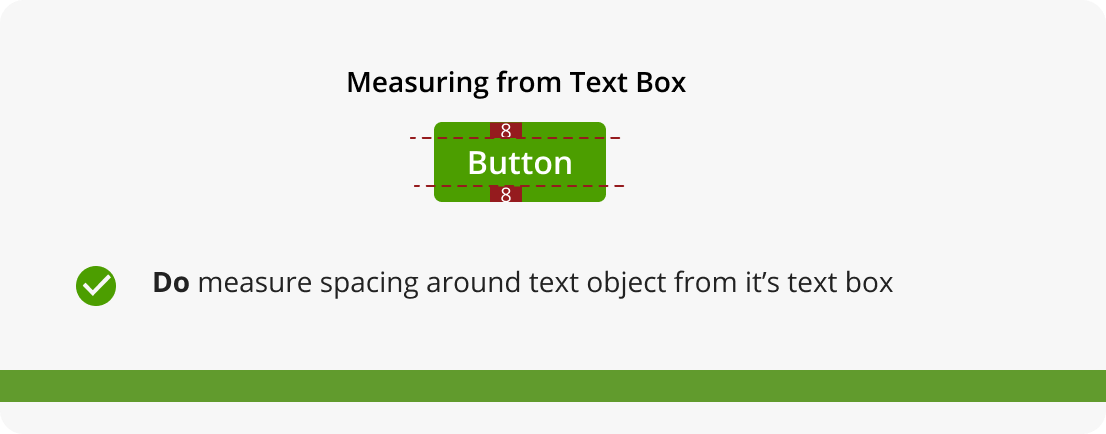

An example of a banner component used in the context of error handling.
Categorical color palette documentation
Sequential color palette documentation
Data visualization components
Using this collection design system rules and components, I designed several of the primary Commerce features for the alpha release of the React Native app. Designs were created with a mobile-first mentality supporting both iOS and Android, but ultimately supporting a seamlessly responsive experience through tablets and larger desktop views.
Checkout flow on a tablet view
Filters drawer on a tablet view
Product catalog table on desktop
Product display / configuration page on desktop
Usability Testing
Over the course of my time at Nutrien, I worked on many individual features each with its own unique challenges and problems to solve. In order to ensure that my design solutions were providing value to our users in the field, I conducted numerous research efforts using a range of methods and tools. I facilitated usability studies using interactive prototypes, conducted surveys, and performed interviews. I used tools like UserZoom, EnjoyHQ, and Confluence, to organize research synthesis and report-outs.
Demographic overview from a usability report-out
Goals list from a usability report-out
An example screenshot from a usability report-out
Task completion table from a usability test report-out